When shopping online on popular e-commerce platforms like Flipkart or Myntra, tracking your parcel’s journey is an essential part of the post-purchase experience. Ekart Logistics handles millions of daily deliveries across India, sending real-time status notifications to customers at every stage of shipment.
However, logistics terminology can sometimes be confusing. Understanding what status messages like In Transit, Out for Delivery, or Undelivered actually mean helps you estimate your package arrival date and take quick action if a shipment gets delayed.
In this guide, we break down every standard Ekart tracking status update step-by-step.
1. Order Placed / Shipment Created
This is the initial status generated right after you complete a purchase. It means the seller has received your order and generated a shipping label with a unique 14-character Tracking ID (AWB Number).
At this stage, the package is still with the seller and has not yet been physically handed over to the courier service.
2. Item Dispatched / Shipped
When your tracking status changes to Dispatched or Shipped, it indicates that the seller has packaged your product and handed it over to the nearest Ekart logistics hub or pickup executive.
- The parcel is officially scanned into the logistics network.
- The system assigns an estimated delivery date (EDD) to your package.
3. In Transit
In Transit is the most common status message you will see during shipment. It means your parcel is currently traveling through Ekart’s logistics network—either inside a transit truck, flight, or train—moving from the seller’s regional warehouse toward your destination city.
Seller Hub  --->  Regional Sorting Center  --->  Destination Facility
                  (Status: In Transit)
- How long does it take? Depending on the physical distance between the seller and your pincode, a package can remain In Transit for 1 to 4 business days.
- Why hasn’t the location changed? Scans only happen when the transport vehicle reaches major regional sorting hubs. Long-distance transit may take 24–48 hours between scans.
4. Arrived at Nearby Facility / Hub
This status means your package has successfully arrived at the local Ekart fulfillment center or sorting hub closest to your delivery address (for example, regional hubs like MUMFLEXSAI4, BLR_HUB, or DEL_HUB).
Once received at the local facility, logistics staff sort packages into specific route bins based on pincodes and assign them to local delivery executives.
5. Out for Delivery
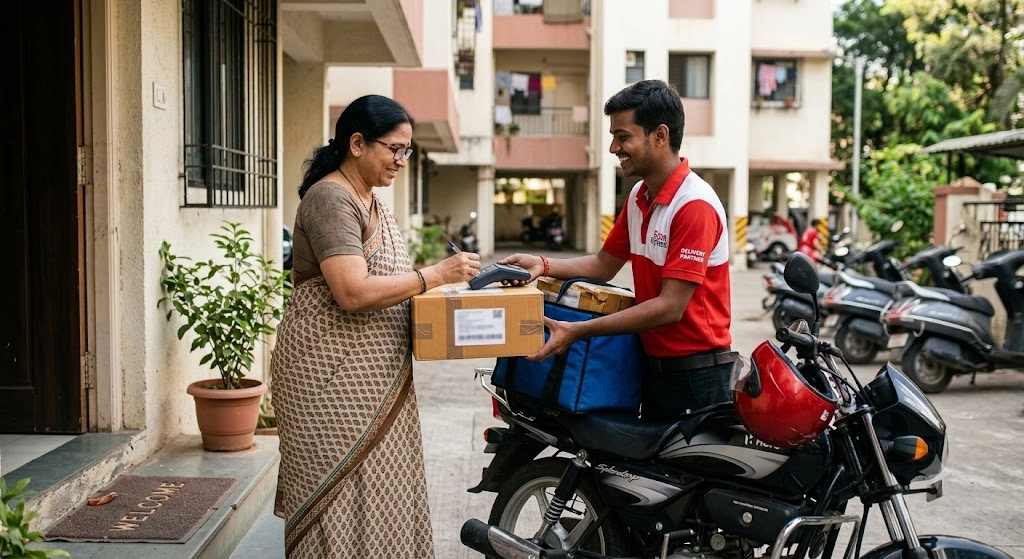
When your status updates to Out for Delivery, your parcel has been loaded into a delivery agent’s vehicle and is on its way to your specified delivery address.
- Delivery Window: You can usually expect the agent to arrive between 9:00 AM and 8:00 PM on the same day.
- Agent Details & OTP: In most cities, you will receive an automated SMS or app notification containing the delivery executive’s phone number and a 4-digit or 6-digit Delivery OTP required to verify package handover.
6. Delivered
This status confirms that your package has been successfully handed over to you or an authorized recipient at your address (such as a family member, security guard, or building manager). The delivery executive scans the package and inputs your OTP to mark the shipment complete.
7. Undelivered / Delivery Attempt Failed
If you receive an Undelivered or Delivery Attempted alert, it means the agent tried to deliver your package but could not complete the process.
Common reasons for a failed delivery attempt include:
- Customer was unavailable at the address.
- Mobile phone was unreachable or switched off.
- Incorrect address, missing flat/door number, or unclear landmark.
- Delivery OTP was not provided in time.
- Customer requested a delivery date change.
What happens next? Ekart automatically re-attempts delivery on the next working day. Courier agents typically attempt delivery up to 3 times before returning the item to the seller.
8. Return to Origin (RTO) / Shipment Returned
This status indicates that the shipment could not be delivered after multiple attempts, or the package was rejected at the doorstep. The parcel is marked for Return to Origin (RTO) and sent back to the seller’s facility. Once received by the seller, your refund process is initiated according to the e-commerce platform’s return policy.
What to Do If Your Ekart Status Is Not Updating?
If your tracking status remains stuck on a single message like In Transit for more than 3 consecutive days without progress, consider taking the following steps:
- Verify Your Address Details: Open your order summary on Flipkart or Myntra to make sure your pincode, door number, and contact phone number are correct.
- Check Regional Weather or Holiday Delays: Major festive sales (like Big Billion Days), heavy rainfall, or local transport disruptions can delay hub sorting operations.
- Contact Platform Support: Since Ekart handles fulfillment directly for Flipkart and Myntra orders, navigating to your order menu and requesting a customer care callback is usually the fastest way to trace delayed packages.
How to Track Your Live Ekart Package
You can quickly verify your shipment progress using your 14-digit AWB tracking number. Simply locate your tracking code on your order invoice (usually starting with FMPC, FMPP, or FKPC), head over to our Ekart Tracking Home Tool, enter your ID, and view real-time location updates instantly.
Keeping track of these status updates ensures you are always prepared when your package arrives at your doorstep!